 Owner@dscareers.site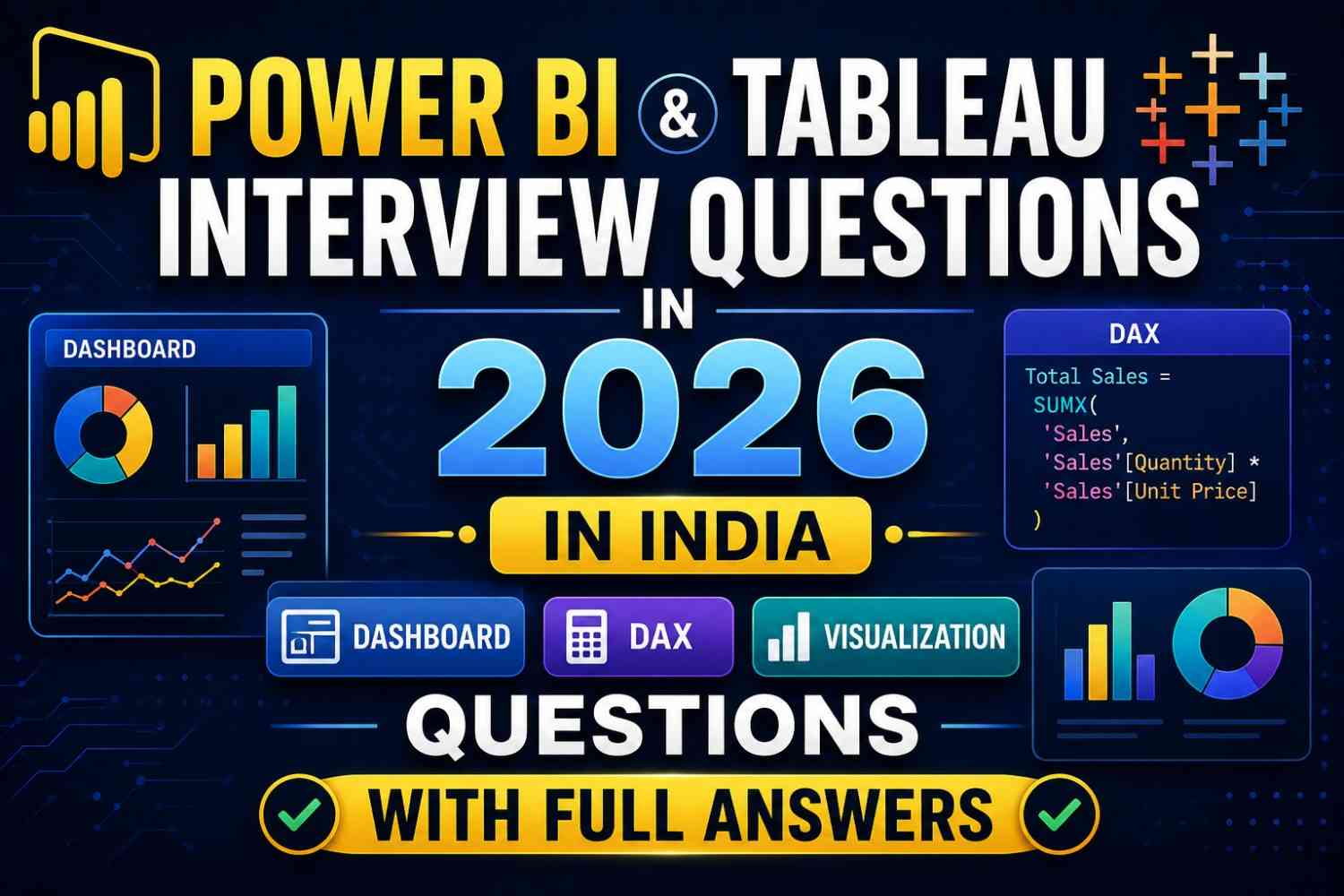
If you are preparing for a data analyst or BI developer role in India, you will almost certainly face Power BI and Tableau interview questions in 2026 in India in your technical round. These two tools dominate the Indian BI market — from Infosys and TCS to startups and MNCs like Deloitte, Accenture, and Amazon — and interviewers test both tools deeply.
This complete guide to Power BI and Tableau interview questions 2026. India covers the most frequently asked questions across all difficulty levels — beginner, intermediate, and advanced — with full, interview-ready answers you can use directly.
Whether you are a fresher or have 2–4 years of experience, these Power BI and Tableau interview questions 2026 India will prepare you for every scenario—from walk-me-through-your-dashboard questions to deep DAX formula and Tableau LOD expression challenges.
Why Power BI and Tableau Skills Are Critical in India 2026
Before the questions, some context. The demand for Power BI and Tableau interview questions 2026 India’s preparation has never been higher because:
- Over 70% of Indian data analyst job postings in 2026 list Power BI or Tableau as a required skill
- Both tools are now taught in college curricula and certification programmes across India
- Clients of Indian IT services firms (Wipro, HCL, Cognizant) routinely demand BI dashboard expertise
- The average salary premium for certified Power BI/Tableau analysts in India is 25–35% above non-certified peers
Mastering the Power BI and Tableau interview questions 2026 India in this guide will give you a strong, confident answer to every scenario an interviewer throws at you.
Part 1: Power BI Interview Questions 2026 India
Q1. What is Power BI, and what are its main components?
Answer: Power BI is Microsoft’s business intelligence and data visualization tool that allows users to connect to multiple data sources, transform data, build data models, and create interactive dashboards and reports.
Its main components are:
- Power BI Desktop — the authoring tool for building reports and data models (Windows application)
- Power BI Service — the cloud-based platform for sharing, publishing, and collaborating on reports
- Power BI Mobile — iOS and Android apps for viewing reports on mobile devices
- Power BI Report Server—an on-premises version for organisations that cannot use the cloud
- Power BI Gateway — enables connection between cloud Power BI service and on-premises data sources
This is one of the most fundamental Power BI and Tableau interview questions in 2026 India—interviewers use it to gauge your overall familiarity with the ecosystem.
Q2. What is DAX, and how is it different from SQL?
Answer: DAX stands for Data Analysis Expressions. It is the formula language used in Power BI (and also Excel Power Pivot and SSAS tabular models) to create calculated columns, measures, and tables.
Key differences from SQL:
| Feature | DAX | SQL |
|---|---|---|
| Purpose | Calculations on data model | Querying relational databases |
| Works on | Columnar in-memory model | Row-based tables |
| Row vs Column | Operates on columns | Operates on rows |
| Context | Has row context and filter context | No filter context concept |
| Where used | Power BI, Power Pivot, SSAS | Databases (SQL Server, MySQL, etc.) |
The most important DAX concept to understand for Power BI and Tableau interview questions 2026 India is a filter context—how DAX calculations are evaluated based on active filters in the report.
Q3. What is the difference between a measure and a calculated column in Power BI?
Answer: This is one of the most commonly asked Power BI and Tableau interview questions in 2026 in India in technical rounds.
Calculated Column:
- Computed at data refresh time and stored in the model
- Evaluated row by row (operates in row context)
- Increases model size
- Used for static values that need to be available as a filter or slicer
Example: Profit Margin = DIVIDE([Sales] - [Cost], [Sales])
Measure:
- Computed dynamically at query time based on the current filter context
- Not stored in the model — computed on the fly
- Does not increase model size significantly
- Used for aggregations and dynamic calculations
Example: Total Sales = SUM(Sales[Revenue])
Rule of thumb: If you need to slice/filter by a value, use a calculated column. If you need an aggregated number that changes based on report context, use a measure.
Q4. Explain CALCULATE() in DAX. Why is it important?
Answer: CALCULATE() is the most powerful and important function in DAX. It evaluates an expression in a modified filter context — meaning it allows you to override or add filters to a calculation.
Syntax: CALCULATE(expression, filter1, filter2, ...)
Example:
Sales North India = CALCULATE(SUM(Sales[Revenue]), Sales[Region] = "North India")This calculates total revenue but only for the “North India” region—regardless of what other filters are applied in the report.
Why it is critical: Without CALCULATE(), you cannot create most complex measures—year-over-year comparisons, running totals, or segment-specific calculations. Every senior data analyst asked Power BI and Tableau interview questions; 2026 India is expected to know CALCULATE() deeply.
Common use cases:
- Time intelligence (same period last year)
- Removing filters (using ALL())
- Creating custom aggregations for specific segments
Q5. What are the different types of filters in Power BI?
Answer: Power BI has five levels of filters:
- Visual-level filters — apply only to a specific visual on the page
- Page-level filters — apply to all visuals on a single report page
- Report-level filters — apply across all pages in the report
- Drill-through filters—applied when a user drills through to a detail page
- Slicer filters — user-controlled filters via slicer visuals on the canvas
Understanding filter hierarchy is essential for Power BI and Tableau interview questions in 2026 in India—interviewers often test whether you know how to isolate filters to specific visuals or cascade them across the whole report.
Q6. What is the difference between Import Mode, DirectQuery, and Live Connection in Power BI?
Answer:
Import Mode:
- Data is imported and stored in Power BI’s in-memory model
- Fastest query performance
- Data refreshes on a schedule (up to 8 times per day on Premium)
- Best for most use cases with manageable data volumes
DirectQuery:
- Data stays in the source database—queries run live against the source
- Always shows current data
- Slower performance — every visual generates a query to the source
- Best for large datasets or real-time requirements
Live Connection:
- Similar to DirectQuery but connects to Analysis Services (SSAS) or Power BI datasets
- No local data model — uses the model from the connected source entirely
- Used in enterprise environments with centralised semantic models
This distinction is frequently asked in Power BI and Tableau interview questions for 2026 in India for senior or mid-level roles.
Q7. What is Row-Level Security (RLS) in Power BI?
Answer: Row-Level Security (RLS) is a feature in Power BI that restricts data access at the row level for different users. It ensures that users see only the data they are authorized to see—without needing separate reports for each user group.
Implementation:
- Create roles in Power BI Desktop using DAX filter expressions
- Assign users to roles in the Power BI Service
Example: A regional sales manager in Chennai should only see South India data. An RLS rule would be:
Sales[Region] = "South India"When this user views the report, all data is automatically filtered to South India — even though the underlying dataset contains all regions.
RLS is a critical concept for Power BI and Tableau interview questions in 2026 in India for enterprise or consulting roles.
Part 2: Tableau Interview Questions 2026 India
Q8. What is the difference between a dimension and a measure in Tableau?
Answer: This is one of the most basic but important Power BI and Tableau interview questions for 2026 in India.
Dimensions:
- Qualitative, categorical data
- Used for labels, headers, and segmentation
- Shown in the blue pill in Tableau
- Examples: Region, Product Name, Customer Segment, Date
Measures:
- Quantitative, numerical data
- Aggregated in visualisations (SUM, AVG, COUNT, etc.)
- Shown in the green pill in Tableau
- Examples: Sales, Profit, Quantity, Discount
Tableau automatically classifies fields as dimensions or measures when you connect a data source, but you can change the classification manually. Understanding this is fundamental to building any Tableau visualization correctly.
Q9. What are LOD expressions in Tableau? Explain FIXED, INCLUDE, and EXCLUDE.
Answer: LOD stands for Level of Detail. LOD expressions allow you to compute aggregations at a specific level of granularity—independent of the dimensions currently in the view. This is one of the most advanced and important Power BI and Tableau interview questions for 2026 in India.
FIXED LOD: Computes at a specified dimension level, regardless of what is in the view.
{FIXED [Region] : SUM([Sales])}This calculates total sales per region, even if the view is showing data at the city level.
INCLUDE LOD: Adds extra dimensions to the current view level for the calculation.
{INCLUDE [Customer ID] : AVG([Order Value])}Calculates average order value per customer even if the view does not show Customer ID.
EXCLUDE LOD: Removes specified dimensions from the current view level for the calculation.
{EXCLUDE [Month] : SUM([Sales])}Calculates total sales excluding the month dimension — useful for year-level comparisons within a month-level view.
LOD expressions are frequently the determining factor in Power BI and Tableau interview questions 2026. India for senior analyst roles — make sure you can explain all three with examples.
Q10. What is the difference between a Live Connection and an Extract in Tableau?
Answer:
Live Connection:
- Tableau queries the data source directly every time a view is loaded or a filter is applied
- Data is always up-to-date
- Performance depends on the speed of the source database
- Best for small data sources or when real-time accuracy is critical
Extract:
- A snapshot of data is pulled from the source and stored in a compressed Tableau Data Extract (.hyper file) format
- Significantly faster performance—Tableau’s extract engine is highly optimised
- Data is current only as of the last extract refresh
- Best for large datasets or when the source is slow
Most production Tableau deployments in Indian companies use extracts for performance and live connections only when real-time data is a business requirement. This distinction is a standard part of all Power BI and Tableau interview questions for 2026 India screening.
Q11. What is data blending in Tableau, and when would you use it?
Answer: Data blending is Tableau’s method of combining data from multiple data sources in a single view when a proper database join is not possible.
When you blend data, Tableau queries each data source separately and then combines the results in the view using a linking field (a common dimension between the two sources).
When to use blending:
- Data comes from different database types (e.g., Excel + SQL Server)
- Data is at different levels of granularity
- You do not have access to the underlying databases to perform a join
Key limitation: In a blended view, the secondary data source is always aggregated—you cannot access row-level data from the secondary source.
Blending vs. Joining: Joins happen at the database level before data enters Tableau. Blending happens within Tableau after each source is queried separately. For Power BI and Tableau interview questions 2026 India, being able to explain this difference clearly is a strong signal to interviewers.
Q12. What are Table Calculations in Tableau? Give examples.
Answer: Table calculations are computations applied to the values already in the view—they operate on the aggregated data after it has been retrieved from the data source.
Common table calculations:
- Running Total—cumulative sum across the table
- Percent of Total — each value as a percentage of the overall total
- Rank — ranking values within the view
- Year-over-Year Growth — comparing current period to previous period
- Moving Average — rolling average over a window of values
Example: To show each month’s sales as a percentage of the year’s total, you would apply a percent of total table calculation to the SUM(Sales) measure.
Table calculations are directed — they compute along Table (Across), Table (Down), Pane, or specific dimensions. Understanding the direction of computation is one of the trickier aspects covered in Power BI and Tableau interview questions 2026 India for intermediate and senior positions.
Part 3: Advanced and Comparison Questions
Q13. When would you choose Power BI over Tableau, and vice versa?
Answer: This strategic comparison is frequently asked in Power BI and Tableau interview questions for 2026 in India for senior analyst and BI lead roles.
Choose Power BI when:
- The organisation is heavily invested in Microsoft ecosystem (Azure, SQL Server, Excel, Teams)
- Budget is a constraint—Power BI Desktop is free; Pro license is significantly cheaper than Tableau
- Strong need for DAX-based complex data modelling
- Preferred by Indian IT services firms for client delivery
Choose Tableau when:
- Visualisation sophistication and custom chart types are a priority
- Data exploration and self-service analytics for non-technical users is key
- Large-scale enterprise deployment with Tableau Server or Tableau Cloud
- The organisation works with very large, complex data across many sources
In Indian companies in 2026, Power BI dominates in IT services, BFSI, and mid-sized companies. Tableau is more common in large MNCs, consulting firms, and organizations with dedicated analytics functions. Many professionals proficient in Power BI and Tableau interview questions for 2026 India preparation know both tools.
Q14. What is the star schema, and why is it important in Power BI?
Answer: A star schema is a data modeling pattern where a central fact table (containing measurable, quantitative data) is connected to multiple dimension tables (containing descriptive attributes) in a star-like structure.
Fact table: Contains numeric measures and foreign keys — e.g., Sales_Fact with columns like SalesAmount, OrderDate_Key, Customer_Key, Product_Key.
Dimension tables: Contain descriptive data—e.g., Date_Dim, Customer_Dim, Product_Dim.
Why it matters in Power BI: Power BI’s DAX engine is optimized for star schema models. Using a proper star schema delivers:
- Faster query performance
- Simpler, more reliable DAX measures
- Cleaner, more maintainable data models
Avoiding many-to-many relationships and keeping fact and dimension tables properly separated is fundamental to good Power BI modeling—and frequently tested in senior-level Power BI and Tableau interview questions 2026 India.
Q15. Walk me through building a sales performance dashboard from scratch in Power BI or Tableau.
Answer: This open-ended question is one of the most important Power BI and Tableau interview questions for 2026 in India because it tests your end-to-end thinking. Structure your answer in clear steps:
Step 1 — Requirement gathering: Understand the business questions. Who is the audience? What decisions will this dashboard support? What KPIs matter (total revenue, growth percentage, regional breakdown)?
Step 2—Data connection and transformation: Connect to data source (SQL database, Excel, or cloud source). In Power BI, use Power Query for data cleaning—handle nulls, data type corrections, and calculated columns. In Tableau, use the Data Source page.
Step 3—Data modeling: Build a star schema in Power BI with fact and dimension tables properly related. Define measures using DAX (Total Sales, MoM Growth, YTD Revenue).
Step 4 — Visualization design: Choose chart types based on the data story—line charts for trends, bar charts for comparisons, maps for geography, and KPI cards for headline numbers. Apply a consistent color theme and avoid chart clutter.
Step 5 — Interactivity: Add slicers (Power BI) or filters/parameters (Tableau) for user-controlled exploration. Enable drill-through for detail pages.
Step 6 — Performance optimization: Remove unused columns, avoid calculated columns where measures work, and use aggregated tables for large datasets.
Step 7 — Publishing and access control: Publish to Power BI Service or Tableau Server. Apply RLS (Power BI) or user filters (Tableau). Set up refresh schedules.
Answering this comprehensively in a structured way will strongly differentiate you in any Power BI and Tableau interview questions for the 2026 India interview.
Quick Reference: Most Asked-For DAX Functions
| Function | Purpose | Example |
|---|---|---|
| SUM() | Total of a column | SUM(Sales[Revenue]) |
| CALCULATE() | Evaluate expression with modified filter | CALCULATE(SUM(Sales[Revenue]), Region=”South”) |
| DIVIDE() | Safe division (handles divide by zero) | DIVIDE([Sales], [Target]) |
| ALL() | Removes filters from a table/column | CALCULATE([Total Sales], ALL(Sales[Region])) |
| FILTER() | Returns a filtered table | FILTER(Sales, Sales[Year]=2026) |
| RELATED() | Fetches value from related table | RELATED(Product[Category]) |
| SUMX() | Iterates a table and sums an expression | SUMX(Sales, Sales[Qty]*Sales[Price]) |
| DATEADD() | Time intelligence — shift date | DATEADD(Dates[Date], -1, YEAR) |
| RANKX() | Dynamic ranking measure | RANKX(ALL(Product), [Total Sales]) |
FAQ: Power BI and Tableau Interview Questions 2026 India
Q1. Which tool is more in demand for freshers in India in 2026 — Power BI or Tableau? Power BI has a higher volume of job postings for freshers in India in 2026, particularly in IT services, BFSI, and e-commerce sectors. However, Tableau commands a higher salary premium. For maximum employability, knowing both tools covered in these Power BI and Tableau interview questions 2026. India is the strongest strategy.
Q2. What certifications should I get for Power BI and Tableau interviews in India? For Power BI, Microsoft PL-300 (Power BI Data Analyst) is the most recognized certification in India. For Tableau, Tableau Desktop Specialist and Tableau Certified Data Analyst are widely respected. Both are frequently mentioned in job descriptions covering Power BI and Tableau interview questions for 2026 India-level roles.
Q3. How many rounds of technical questions should I expect for a BI role in India? Typically 2–3 technical rounds for mid-level roles: an initial screening (conceptual questions), a hands-on assignment (build a dashboard from a dataset), and a final technical-managerial round covering design decisions and business judgment. All Power BI and Tableau interview questions for the 2026 India rounds test slightly different depths.
Q4. What datasets should I practice with for Power BI and Tableau before an interview? The Superstore dataset (built into Tableau) and the AdventureWorks dataset (Microsoft SQL Server sample) are the most widely used practice datasets. Building 3–4 polished dashboards on these before your interview is the most effective preparation for Power BI and Tableau interview questions in 2026 India.
Q5. Is Python or R knowledge expected alongside Power BI/Tableau in Indian interviews? For senior roles (3+ years), yes—Python integration with Power BI (Python visuals and Python scripts in Power Query) and Tableau (TabPy server integration) is increasingly tested. For freshers, strong Power BI and Tableau fundamentals covered in these Power BI and Tableau interview questions for 2026 in India are sufficient.
Conclusion
Mastering the Power BI and Tableau interview questions 2026 India in this guide puts you in the top percentile of candidates for any BI or data analyst role in India. The gap between candidates who get offers and those who don’t almost always comes down to depth—not just knowing what DAX is, but being able to write a CALCULATE() measure under pressure; not just knowing Tableau LODs exist, but explaining FIXED vs INCLUDE vs EXCLUDE with clear examples.
Practice every question in this guide until your answers are fluent and confident. Build real dashboards. Get certified. And walk into every interview knowing that you have prepared more thoroughly than most.
Ready to go deeper? Practice on the Microsoft Power BI learning portal and Tableau’s free training videos—both are free and directly aligned with what Indian interviewers test in 2026.